How to use
- Drop a photo on the box, click it to pick a file, or paste an image with Ctrl+V. iPhone HEIC photos work too.
- Choose the format you want: JPEG, PNG, WebP or BMP. HEIC photos switch to JPEG automatically, since that is what most people need.
- For JPEG and WebP, set the quality. 85% keeps photos looking the same at a much smaller size.
- Click Convert & Download. The new file keeps the original name with the new extension.
How to convert HEIC to JPG
HEIC (High Efficiency Image Container) is the format iPhones and iPads save photos in by default. It takes about half the space of a JPG, but Windows PCs, many websites and older apps cannot open it.
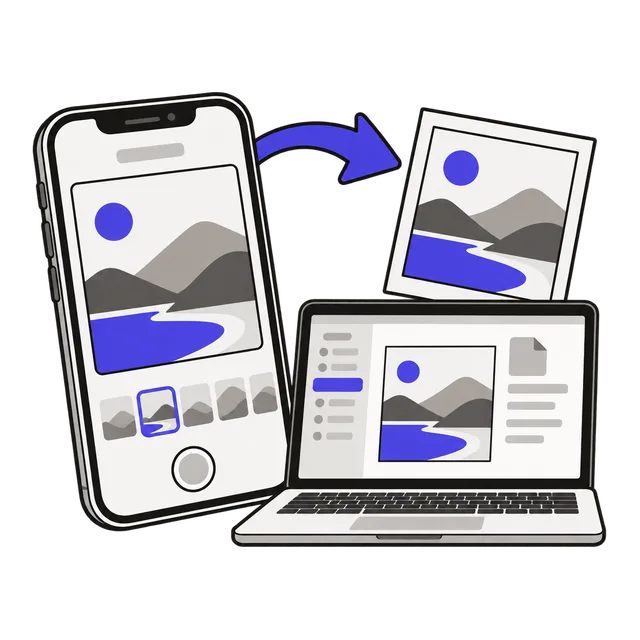
Drop the .heic file here, keep JPEG selected and click Convert & Download. The photo is decoded in your browser and saved as a normal .jpg that opens anywhere. Nothing is uploaded, which matters for personal photos.
How to convert PNG to JPG
Drop the PNG, choose JPEG and click Convert & Download. A JPG is usually much smaller than a PNG of the same photo, which helps with email attachments and upload limits. JPG has no transparency, so transparent areas of a PNG become white; keep PNG (or use WebP) for logos and graphics that need a see-through background.
Stop your iPhone from saving HEIC
If you would rather get JPGs from the start, open Settings → Camera → Formats and choose Most Compatible. New photos are then saved as JPG.
To keep HEIC on the phone but get JPGs on your computer, open Settings → Photos and, under Transfer to Mac or PC, choose Automatic. Photos copied over a cable are converted as they transfer.
Which image format should I use?
Each format suits a different job.
| Format | Best for | Notes |
|---|---|---|
| JPEG (.jpg) | Photos to share, email or upload | Smaller files; loses a little detail each time it is saved |
| PNG | Screenshots, logos, text, transparency | No quality loss; larger files for photos |
| WebP | Images for websites | Smaller than JPG at the same quality; keeps transparency |
| HEIC | Photos on iPhone and iPad | About half the size of JPG, but not supported everywhere |
| BMP | Old Windows programs | Uncompressed, very large files |
Frequently asked questions
Does converting HEIC to JPG lose quality?
Very little. The photo is saved at high JPG quality, so it looks the same on screen and in print. The JPG file is usually larger than the HEIC, because JPG compresses less efficiently.
Can I convert many HEIC photos at once?
This converter handles one photo at a time. To turn several iPhone photos into one document, the JPG to PDF tool accepts HEIC files in bulk.
Are my photos uploaded?
No. The conversion runs in your browser, so your photos never leave your device and the tool keeps working without an internet connection once the page has loaded.
Is the photo's location kept?
No. Saving the image again keeps only the pixels, so camera details and GPS location in the original are not copied to the new file.