How to use
- Add your design: choose a file, or drop or paste it. A PNG with a transparent background looks most like a real print.
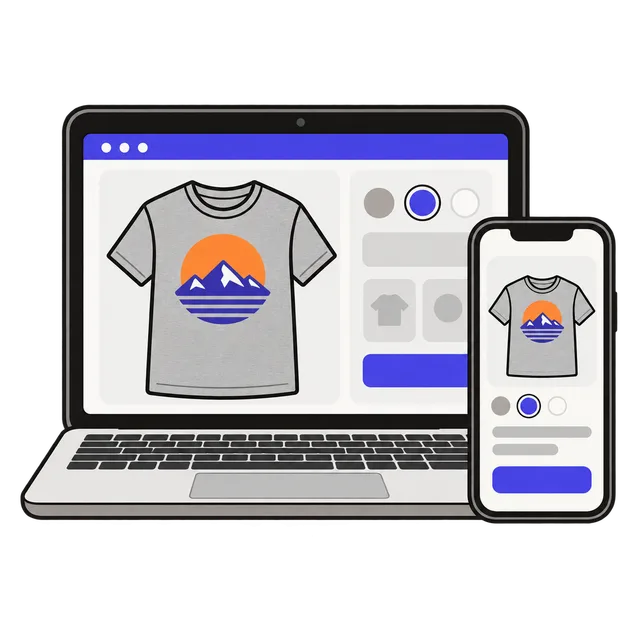
- Pick a style (T-shirt, hoodie or sweatshirt), a shirt color and a background. The preview updates right away.
- Drag the design into place, or use Top center, Center or Left chest. Resize it with the slider or the mouse wheel; it always stays inside the print area.
- Download a 2000 px JPG for your listing, a PNG (with a transparent background if you pick Transparent), or a ZIP with the same mockup in all 12 colors.
How the mockups look real
Each style starts from a photo of a blank white garment. The tool tints that photo to the color you pick instead of painting over it, so the folds, seams and shadows of the fabric stay visible. Your design is shaded with the same photo, so it follows the wrinkles and looks printed on the cotton rather than pasted on top.
Dark colors such as black and navy get a light highlight pass, because real dark fabric still shows its folds. Everything runs in your browser: the design is never uploaded, and the downloads have no watermark.
Mockups for Etsy and other shops
Etsy recommends listing images that are 2000 pixels on the shortest side, and warns that files over 1 MB may not finish uploading on a slow connection. The JPG download is 2000 × 2000 pixels and compressed to stay small, so it can go straight into a listing.
Shoppers want to see the colors you sell. The ZIP download gives you the same mockup in all 12 colors, ready for a color chart or for one photo per variation. Keep the design at the size and position it will really be printed, so the mockup matches what the buyer receives.
| Download | Size | Best for |
|---|---|---|
| JPG | 2000 × 2000 px | Etsy, Shopify and marketplace listing photos |
| PNG | 2000 × 2000 px | A transparent background to place on your own scene or banner |
| ZIP of all colors | 12 JPG files | Color charts and one photo per color variation |
Get the design file right first
A mockup only shows how the design looks; the print shop needs the full-size file. For a T-shirt that is usually a 4500 × 5400 pixel PNG at 300 DPI. Check your file with the DPI Checker, or build a photo design with the Custom Photo Shirt Maker.
Frequently asked questions
Is this T-shirt mockup generator free?
Yes. There is no sign-up, no limit and no watermark on the downloads.
Can I use the mockups on Etsy?
Yes. The garment photos were made for this tool, and you can use the mockups you make in your own listings, ads and social posts.
Why does my design have a white box around it?
The design file has a white background. Save it as a PNG with a transparent background, or remove the background first, and only the artwork will show on the shirt.
Can I make a hoodie or sweatshirt mockup?
Yes. Pick the hoodie or sweatshirt style. The print area changes with the garment and your design is kept inside it.
Is my design uploaded anywhere?
No. The mockup is drawn in your browser and saved straight to your device.