How to use
- Choose Text and type or paste it, or choose File and drop any file on the box.
- The SHA-1, SHA-256 and SHA-512 hashes appear at once; click Copy next to the one you need.
- To verify a download, compare the SHA-256 with the checksum the publisher lists. If every character matches, the file is intact.
What a hash is
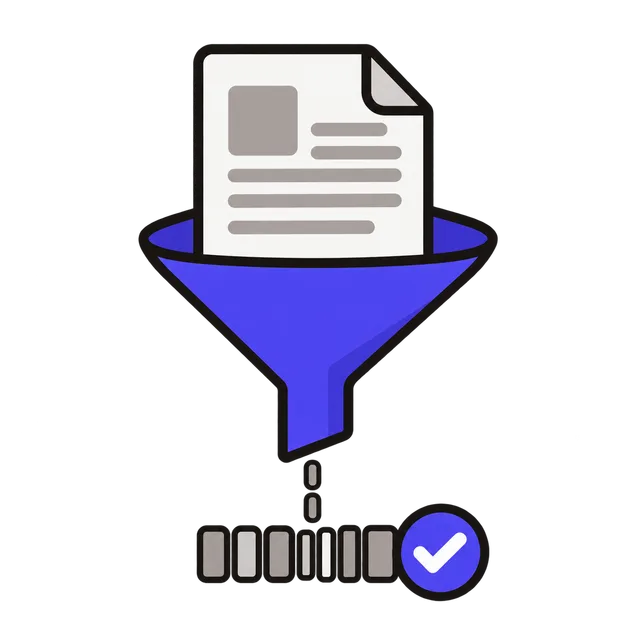
A cryptographic hash turns any input, a word or a 4 GB file, into a fixed-length fingerprint. The same input always gives the same hash, and changing even one character gives a completely different one. You cannot turn a hash back into the original data.
For example, the text "hello" (lowercase, no trailing space or new line) gives the SHA-256 hash 2cf24dba5fb0a30e26e83b2ac5b9e29e1b161e5c1fa7425e73043362938b9824. "Hello" with a capital H gives a completely different value. That sensitivity is why a hash is a reliable way to tell whether two files are exactly the same.
| Algorithm | Hash length | Use it for |
|---|---|---|
| SHA-256 | 64 hex characters (256 bits) | Checking downloads, file integrity, most modern uses |
| SHA-512 | 128 hex characters (512 bits) | The same, when a longer hash is required |
| SHA-1 | 40 hex characters (160 bits) | Only to match older systems; not secure against collisions |
Verify a downloaded file
Software sites often publish a SHA-256 checksum next to the download link. Drop the downloaded file here and compare the result with the published value. A match means the file was not corrupted or changed on the way; a mismatch means you should download it again from the official site.
On your own computer you can do the same with built-in commands: certutil -hashfile file.iso SHA256 on Windows, shasum -a 256 file.iso on macOS, and sha256sum file.iso on Linux. This tool gives the same result without opening a terminal.
What hashes are not for
Do not store passwords as a plain SHA-256 or SHA-1 hash. These algorithms are designed to be fast, which helps attackers try billions of guesses. Websites should use a slow password hashing function such as Argon2, scrypt or bcrypt. SHA-1 is also no longer safe where someone could craft two files with the same hash, so prefer SHA-256 for anything new. For an MD5 hash, which some older tools still ask for, use the MD5 Encoder.
Frequently asked questions
Why is my hash different from another tool's?
The input is almost always different: an extra space, a new line at the end, different capitalization or a different text encoding all change the hash. This tool hashes exactly the text in the box, encoded as UTF-8.
Can a hash be decrypted?
No. Hashing is one-way. Short, common inputs can sometimes be found by guessing, but the hash itself cannot be reversed.
Is there a file size limit?
The file is read into your browser's memory, so very large files (several gigabytes) can be slow or fail on devices with little memory.
Are my files uploaded?
No. Hashing runs in your browser with the Web Crypto API; nothing leaves your device.