How to use
- On your iPhone, open Settings > General > About and find iOS Version.
- Type the full number above, for example 18.7.2 or 26.3.1.
- Read the result. If it says At risk or Update recommended, go to Settings > General > Software Update and install the update.
- Turn on automatic updates so the next fix arrives on its own.
What DarkSword is
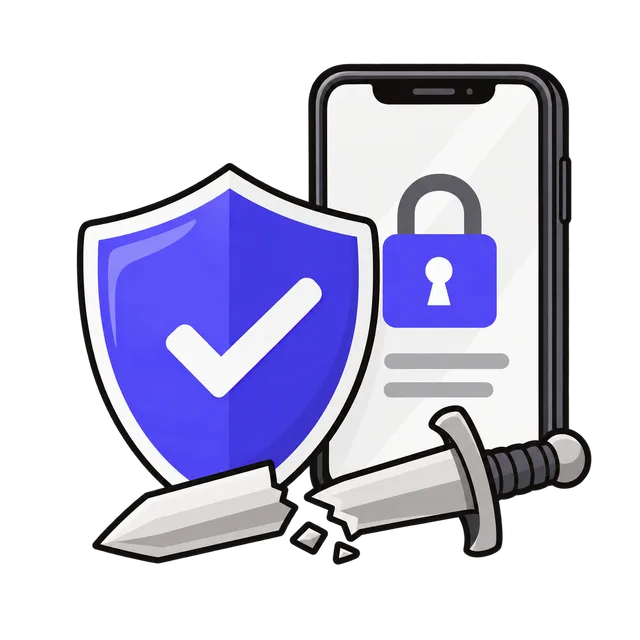
DarkSword is a set of exploits that takes over an iPhone through a web page. Opening a booby-trapped page in Safari, from a link in a message or a hacked website, can be enough; nothing has to be installed. It chains six security flaws and leaves no files behind. Google, Lookout and iVerify reported that it has been used since at least November 2025, first by spy agencies and surveillance companies. It later leaked, so ordinary criminals can now use it too.
P7 DarkSword is a newer version found by iVerify on a customer's iPhone in August 2026 and described on October 8, 2026. Its code can collect saved passwords from the keychain, cryptocurrency wallet data, recent photos, Apple Notes and the list of installed apps, and it checks in with the attackers every 15 seconds for new commands.
Which iPhones are at risk
The known DarkSword attacks target iOS 18.4 through 18.7. Apple fixed the flaws it uses in updates from late 2025 onward and says iPhones on the latest available update are protected. On iOS 18, update to 18.7.7 or later; on iOS 26, update to 26.3 or later. iPhones that can't run iOS 26 (iPhone XS, XS Max and XR) stay on iOS 18 and get these fixes there.
Older iPhones on iOS 15 and 16 are not the versions DarkSword attacks, but they should still have the newest update Apple offers for them.
| iOS version | Newest security update (Oct 2026) |
|---|---|
| iOS 26 (iPhone 11 and later) | 26.7.1 |
| iOS 18 (iPhone XS, XS Max and XR) | 18.7.10 |
| iOS 16 (iPhone 8, 8 Plus and X) | 16.7.16 |
| iOS 15 (iPhone 6s, 7 and SE (1st generation)) | 15.8.8 |
How to update your iPhone
Connect to Wi-Fi and plug in the charger. Open Settings > General > Software Update and tap Update Now or Download and Install. If another update appears after the first one, install it too. Then open Automatic Updates on the same screen and turn everything on, including Security Responses & System Files, so later fixes install by themselves.
If Software Update says your iPhone is up to date but the version is still older than the ones above, your iPhone may be too old for newer releases. Its newest update is then the best protection available, and replacing the phone is worth considering if it no longer gets updates.
Lockdown Mode
Apple says researchers confirmed that the known DarkSword exploits do not work when Lockdown Mode is on. Lockdown Mode limits some web features, message attachments and connections, so it is meant for people who could be targeted on purpose: journalists, officials, activists, or anyone holding a lot of cryptocurrency. Turn it on in Settings > Privacy & Security > Lockdown Mode, then restart.
If you think your iPhone was infected
Update iOS first. Then, from a different, trusted device, change the passwords that were saved on the iPhone, starting with email, Apple Account and banking, and make sure two-factor authentication is on. Move cryptocurrency to a new wallet and contact your bank about any payment you don't recognize.
If you could be a target of spyware rather than a random scam, talk to a security specialist before you erase the iPhone: a reset can also erase the traces that show what happened.
Frequently asked questions
Can this page scan my iPhone for DarkSword?
No. A web page can't look inside your iPhone, and Safari no longer reports the exact iOS version to websites. The check works from the version number you type, which is what decides whether the known DarkSword exploits can work.
Is my iPhone safe if it runs iOS 26?
Yes, against the known DarkSword exploits, once it has iOS 26.3 or later. Install the newest update offered anyway; Apple keeps fixing other flaws.
Do I need an antivirus app?
Security apps on an iPhone can't look inside other apps, and they can't guarantee to find or remove spyware like DarkSword. Updating iOS is what closes the flaws.
Is what I type sent anywhere?
No. The check runs in your browser.