How to use
- Choose the PDF or image you need to share, for example a W-2, a bank statement or a photo of an ID.
- Drag a box over each thing to hide: Social Security number, account numbers, date of birth, address. Click × on a box to remove it, or use Undo.
- Click Download redacted PDF (or image) and open the new file to check every box is where you want it before you send it.
Why a black box is not always a redaction
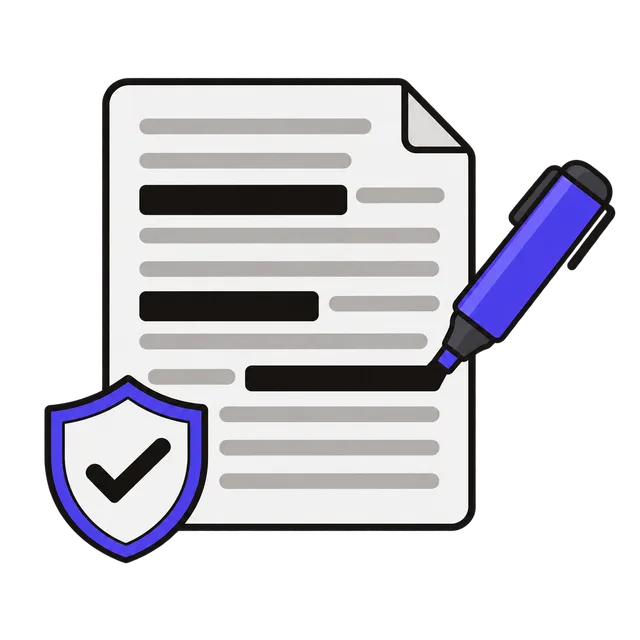
Drawing a black rectangle over text in a PDF editor, or highlighting it in black, usually only adds a shape on top. The text is still in the file: it can be selected, copied, searched or uncovered by deleting the shape. Leaked court filings and government documents have been unmasked exactly this way.
This tool does real redaction. When you download, each page is rebuilt as a flat picture with the boxes painted into the pixels, and a brand-new PDF is made from those pictures. Nothing from the original file is carried over: no text layer, no hidden layers, no comments, no form fields and no file details such as the author or title. What is under a box is simply not in the new file.
What to black out before sending documents
Landlords, lenders and employers often ask for documents that contain more than they need. Common things to cover:
| Document | Usually safe to cover |
|---|---|
| W-2 or 1099 | Social Security number (or all but the last 4 digits), control number |
| Tax return (1040) | SSNs of you, your spouse and dependents; bank routing and account numbers |
| Bank or card statement | Full account number, individual purchases the recipient does not need |
| Pay stub | SSN, employee ID, bank account for direct deposit |
| ID or passport photo | Document number, barcode, date of birth if not required |
What the redacted file looks like
Pages are saved at 200 dots per inch, sharp enough to read and print. Because every page becomes an image, the text that is left can no longer be selected or searched, and the file is usually larger than the original. Photos are saved again from scratch, which also removes their EXIF data, including GPS location.
Frequently asked questions
Can someone recover what I covered?
No. The covered areas are painted black in the page image itself and the original text is not copied into the new file. Pixelating or blurring can sometimes be reversed for text, which is why this tool only uses solid black.
Why can I no longer select text in the redacted PDF?
Every page is turned into an image so that no hidden text can survive. If the recipient needs searchable text, they can run OCR on it; your covered areas stay black.
Is my document uploaded?
No. The PDF is opened, flattened and saved in your browser, so tax forms and statements never leave your device.
How many pages can I redact?
Up to 50 pages per file. For longer documents, split the PDF first with the PDF tool and redact the parts that contain private details.