How to use
- Type your text. The preview curves it at once.
- Drag the Curve slider or pick Arch, Smile or Circle. Positive values bend the text up like a rainbow; negative values bend it down.
- Pick a font and a color. Add letter spacing for wide arches and an outline so the text stands out on a busy shirt or a dark mug.
- Choose the PNG size and download. The background is transparent and the file is saved at 300 DPI.
How much to curve the text
The curve is the angle the text covers on a circle. Around 60 to 120 degrees gives the gentle arch you see on team shirts and family reunion tees, 180 degrees is a half circle, and 300 degrees wraps the text almost all the way around a round badge or logo.
Short words need more curve to look bent; long lines need less. If letters crowd together at the top of a tight arch, add a little letter spacing.
| Design | Curve | Tip |
|---|---|---|
| Name over a picture | 90°–140° | Place the picture under the arch |
| Text under a picture | -90° to -140° | Use the Smile preset |
| Round badge or logo | 240°–300° | Add letter spacing |
| Mug wrap | 30°–60° | A slight arch follows the mug's shape |
Using the PNG on shirts and mugs
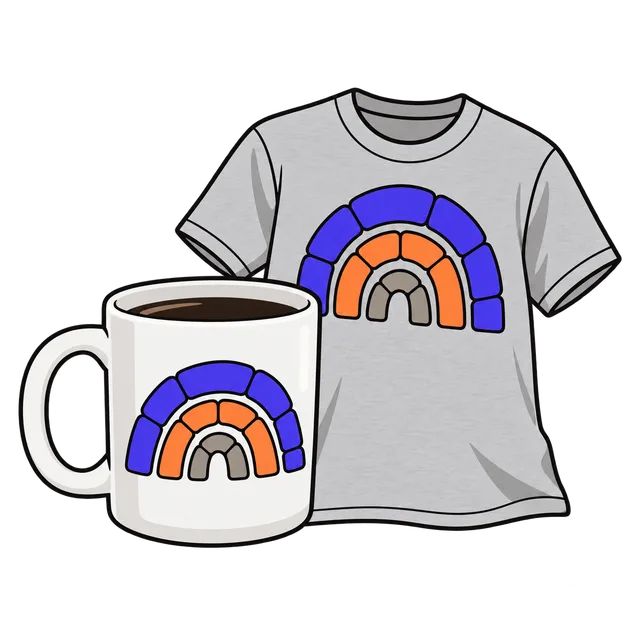
The PNG has a transparent background, so it can go straight into a print-on-demand product, Canva or Cricut Design Space. 3,000 px wide prints 10 inches wide at 300 DPI, which suits most shirt fronts; choose 4,500 px for a full 15 inch print.
For a cutting machine, a bold font like Archivo Black or Anton cuts more cleanly than a thin script, and an outline keeps thin letters from tearing when you weed the vinyl.
Frequently asked questions
How do I curve text for a shirt?
Type the text above, set the curve with the slider or the Arch preset, and download the transparent PNG. Upload it to your print-on-demand product or design program.
Can I curve text downward?
Yes. Move the slider below zero or tap Smile to bend the text down, for example under a picture.
Can I make text in a full circle?
Tap Circle for a 300 degree curve, which leaves a small gap at the bottom so the start and end of the text do not touch.
Is the background transparent?
Yes. Only the letters and the outline are drawn, and the PNG is saved at 300 DPI.
Do you keep my text?
No. The text is drawn in your browser and nothing is sent anywhere.