How to use
- Choose an image, or drop or paste it on the preview. PNG, JPG, WebP and other image formats work.
- The image is mirrored left to right right away. Tap "Upside down" to flip it vertically as well, or tap "Mirror" again to turn the left-to-right flip off.
- Download the image. It has the same pixel size and DPI as the original; a PNG keeps its transparent background and a JPG stays a JPG.
When to mirror an image before printing
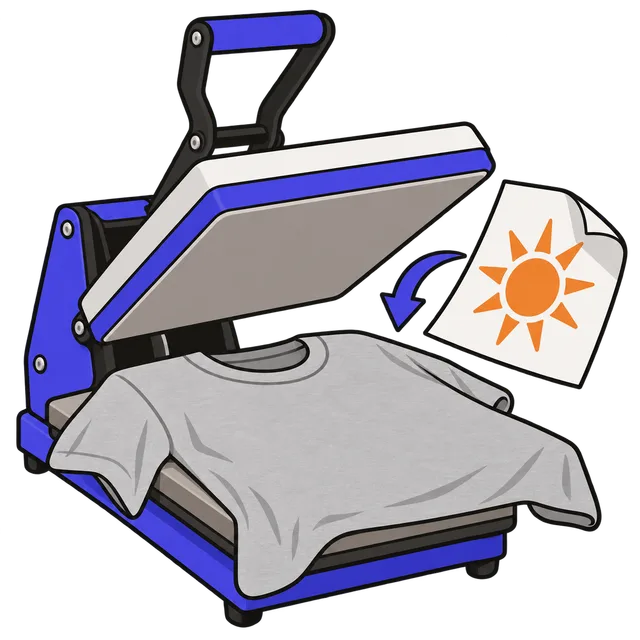
Some transfers are printed or cut in reverse because they are pressed face down. When the transfer is peeled off, the design reads the right way. If you forget to mirror, text comes out backwards.
Check your printer software first. Some sublimation printer utilities mirror the design for you; mirroring the file as well flips it back, and the text ends up backwards. The University of Florida makerspace guide notes that the Sawgrass Print Utility already mirrors images for sublimation.
| Method | Mirror the design? |
|---|---|
| Sublimation on shirts, mugs and tumblers | Yes, unless the printer software mirrors it |
| Heat transfer vinyl (HTV, iron-on vinyl) | Yes, it is cut shiny side down |
| Transfer paper for light fabrics | Yes |
| Transfer paper for dark fabrics | No, it is pressed face up |
| DTF transfers | No |
| Print on demand uploads (Printify, Printful) | No |
Mirror versus flip
Mirroring swaps left and right, like a reflection; it is what transfers and selfie corrections need. Flipping vertically turns the image upside down. You can use both at once, which is the same as rotating the image 180 degrees.
The download keeps the original width, height and DPI, so a 4500 × 5400 px shirt design at 300 DPI is still exactly that after mirroring and prints at the same size.
Frequently asked questions
How do I mirror an image?
Add the image above. It is mirrored left to right at once; download it to save the mirrored copy.
Do you mirror images for sublimation?
Yes, the design is pressed face down, so it must be printed in reverse. Some printer software, such as the Sawgrass Print Utility, does this automatically, so check before you mirror the file yourself.
Does mirroring lower the quality?
No. The pixels are only rearranged. A PNG is saved without loss; a JPG is saved again at high quality.
Is the transparent background kept?
Yes. PNG, WebP and GIF images are saved as PNG with transparency. JPG has no transparency and stays a JPG.
Is my image uploaded?
No. The image is flipped in your browser and saved straight to your device.