


























How to use
- Pick a game: Keyboard to practice typing, or Mouse to practice pointing and clicking.
- Choose a level. Easy uses three-letter words and big targets; Hard uses longer words and smaller targets.
- Press Start. In the typing game, type the word in the middle letter by letter; the blue key on the on-screen keyboard shows which letter comes next. In the mouse game, click each pet as soon as it pops up.
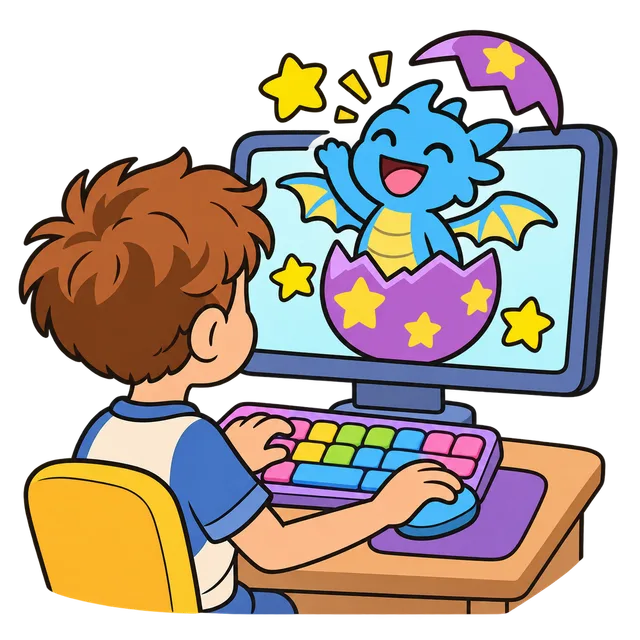
- Finish the round to see your stars and score, and to hatch the mystery egg. Every new pet joins your collection at the bottom of the game.
How the typing game works
The game shows one word at a time in a big box, with the word you just finished on the left and the next word on the right, so children always know what is coming. Letters turn dark as they are typed correctly and the next letter is underlined. A wrong key never deletes anything: the box gives a small shake and the child simply tries again, which keeps practice calm for beginners.
Each round has ten easy English words such as sun, frog, star or rocket. One of them is a golden word worth three times the points. Typing several correct keys in a row builds a combo that doubles, triples and then quadruples the points for each letter, so careful typing pays off more than rushing.
How the mouse game works
Mouse practice teaches young children to move the pointer to a spot and click it, the skill behind every button and menu they will use later. A pet pops up somewhere in the play area; clicking it scores points and a new one appears somewhere else. Fast clicks earn a speed bonus, while clicks on empty space only reset the combo, never the score. Fifteen pets make one round.
On a tablet or touch screen the same game works with a finger, which is a good start before moving to a real mouse or trackpad.
Levels and scoring
Points are the same idea in both games: more for accuracy and speed, never taken away for mistakes.
| Level | Typing game | Mouse game |
|---|---|---|
| Easy | 3-letter words like sun, dog, egg | Large 96 px targets |
| Medium | 4-letter words like fish, moon, kite | Medium 72 px targets |
| Hard | 5 and 6-letter words like apple, rocket, dragon | Small 52 px targets |
| Stars | 3 stars at 95% accuracy, 2 at 80%, otherwise 1 | Same rule for clicks that hit a pet |
Why kids want to play one more round
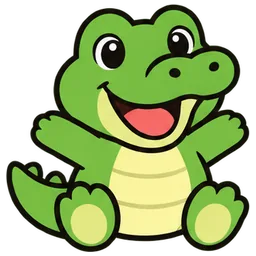
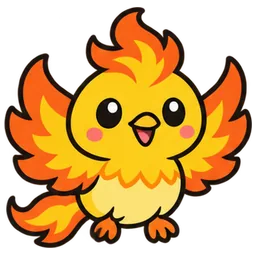
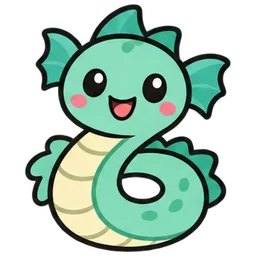
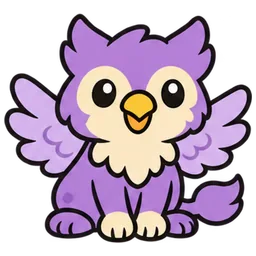
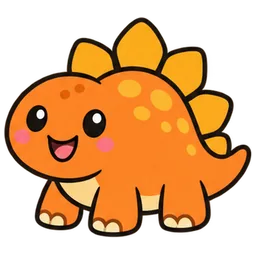
There are 44 pets to collect, from a baby dragon and a jellyfish to a pizza buddy and a little robot. Before each round the game shows the next pet as a mystery silhouette with a question mark, and finishing the round hatches exactly that pet out of a shaking egg. Your newest pet sits above the word and hops every time a word is finished. Pets not found yet stay as silhouettes in the collection, so there is always a reason to see who is next. Press Enter or Continue to start the next round.
Short, regular sessions of ten to fifteen minutes work better than one long session. A good routine is two typing rounds and one mouse round, then a break.
Tips for parents and teachers
Show your child the two small bumps on the F and J keys and let both index fingers rest there; the on-screen keyboard marks them too. Encourage looking at the screen instead of the keys, and accuracy before speed. Children who are still learning letters can start with the mouse game and the Easy typing level, reading each word aloud as they type it, which also builds English vocabulary.
Frequently asked questions
What age is this typing game for?
It suits children from about 5 to 10. Younger children can start with the mouse game, and older children can move to the Hard level and then to the regular typing speed test.
Is the kids typing game free?
Yes. There is no sign-up, no account and no ads inside the game. It runs entirely in the browser.
Are the pets and scores saved?
They are saved in the browser on this device only, so a child keeps their collection the next time they visit. Nothing is sent to a server, and clearing the browser data resets the collection.
Does it work on a tablet?
Yes. Tap the word box to bring up the on-screen keyboard for typing, and tap the pets in the mouse game. A physical keyboard is still the best way to learn touch typing.
What happens when my child presses the wrong key?
Nothing is erased. The word box shakes, the combo resets, and the child types the right letter to continue. Accuracy decides the stars at the end of the round.