How to use
- Type a task and press Enter or click Add task. Choose a Priority (High, Normal or Low) and, if you like, a category or tag such as Home or Work.
- Tick a task when it is done. Use Show to see All, To do or Done tasks, and the search box to find one quickly.
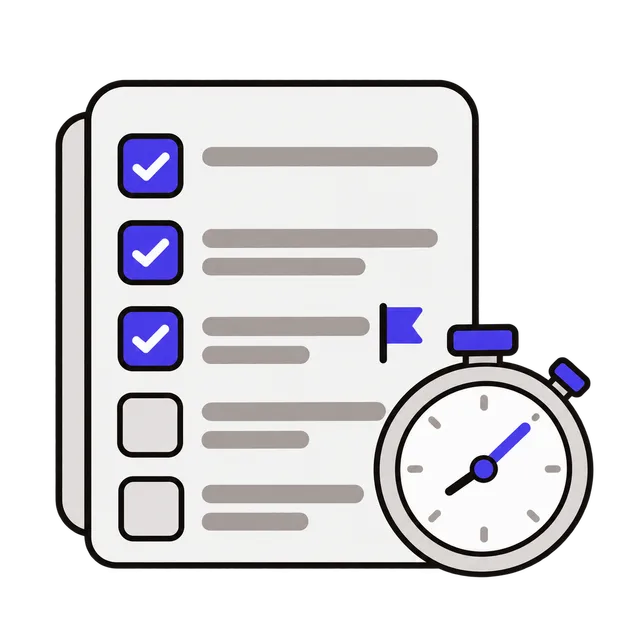
- Double-click a task to edit it. Start the timer on a task to see how long it takes.
- Deleted a task by mistake? Click Undo. Use Copy list to paste your tasks into an email or a note.
A to-do list with no sign-up
Open the page and start typing: there is no account, no app to install and no email address to give. The list is saved in this browser on this device, so it is still there when you come back tomorrow.
Because it is stored only on this device, it does not sync to your phone or another computer, and clearing your browser data deletes it. For a list you must not lose, use Copy list now and then and paste it somewhere safe.
Ways to use it
A few simple setups that work well:
| Use | How |
|---|---|
| Today's errands | One task per errand, High for anything with a deadline |
| Work and home together | Categories such as Work and Home, then filter |
| Weekly cleaning or chores | Tag by room, tick off as you go, delete done tasks at the end of the week |
| Packing or shopping list | One item per task; copy the list to share it |
| Focused work | Start the timer on one task and see where your time goes |
Keep the list useful
Write tasks as actions you can finish in one go: "Call the dentist to book a cleaning" is easier to start than "Dentist". Split big jobs into steps.
Mark only two or three tasks as High each day; if everything is urgent, nothing stands out. Clear completed tasks regularly with Delete completed tasks so the list shows what is left.
Frequently asked questions
Is my to-do list saved?
Yes, in this browser on this device. It is still there after you close the tab or restart the computer, but not on other devices, and it is deleted if you clear your browser data.
Can I use it on my phone?
Yes. The page works in any phone browser, but the phone keeps its own separate list.
What if I delete a task by accident?
Click Undo in the message that appears right after deleting. Clearing all tasks asks you to confirm first.
Can anyone else see my tasks?
No. Nothing is uploaded; the tasks are stored only in your browser.