How to use
- Type or paste your choices, one per line, up to 48. The wheel redraws as you type.
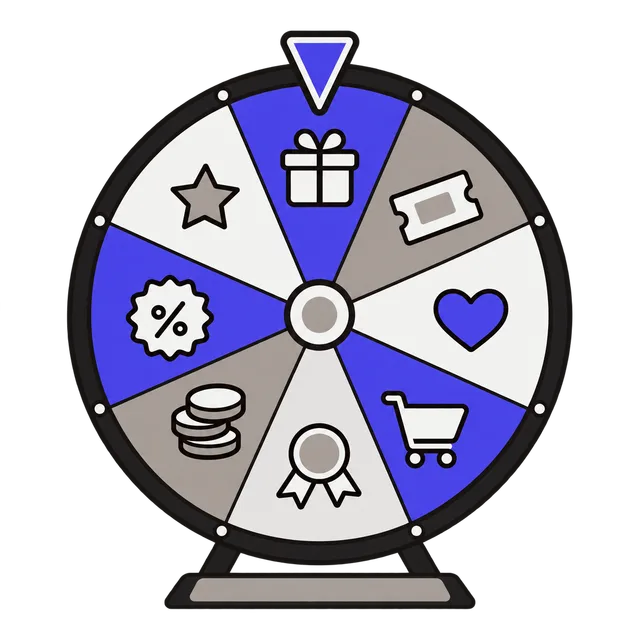
- Click Spin the wheel. The pointer lands on the winner, shown under the wheel. Turn on Remove winner to take each result off the wheel for the next spin.
- Pick a color palette, turn sound on or off, and use Copy share link to send the same wheel to someone else.
Spin the wheel to decide
A spinning wheel turns a stuck decision into a quick, fair-feeling moment everyone can watch: where to eat, who goes first, which movie tonight, which chore each kid gets. Teachers use it to call on students and pick groups; streamers and small shops use it for giveaways.
Duplicate a line to give it a bigger slice: listing "Pizza" twice makes it twice as likely to win. The Entries and Unique counters show the totals.
Ideas for your wheel
Some lists people spin most often:
| Use | Example entries |
|---|---|
| Dinner tonight | Pizza, Tacos, Sushi, Burgers, Pasta, Salad |
| Classroom | Each student's name, with Remove winner on so everyone gets a turn |
| Giveaway | One line per entrant, then spin live on stream or video |
| Family chores | Dishes, Laundry, Trash, Vacuum, Walk the dog |
| Date night or weekend plans | Movie, Bowling, Hike, Board games, New restaurant |
Is the result random?
Each entry has an equal chance per line: the winner is picked at random in your browser, then the wheel animates to land on it. That is ideal for everyday decisions, games and classroom picks. For prize drawings with legal rules, such as official sweepstakes, follow the rules that apply to you and keep a record of how the winner was drawn.
Frequently asked questions
How many entries can the wheel hold?
Up to 48. With more than about 20, slices get thin, so short labels work best.
How does Remove winner work?
After each spin the winning entry is taken off the wheel, so the next spin picks from the rest. It is handy for turn orders and drawing several winners.
How do I pick several winners?
Turn on Remove winner and spin once per prize. Each spin draws from the entries that are left, like drawing names from a hat without putting them back.
What does the share link include?
Your list, palette and settings are written into the link itself, so the person who opens it sees the same wheel. Do not put private information in a list you share.
Does it save my list?
Your list stays in this browser on this device, so it is there when you come back.