How to use
- Add your logo (drop, click or paste it), then fill in FROM with your business details and BILL TO with your client's.
- Under INVOICE DETAILS, set the invoice number, date, due date and currency.
- Click ADD ITEM for each product or service, with a description, quantity and price. Set the TAX RATE if you charge sales tax.
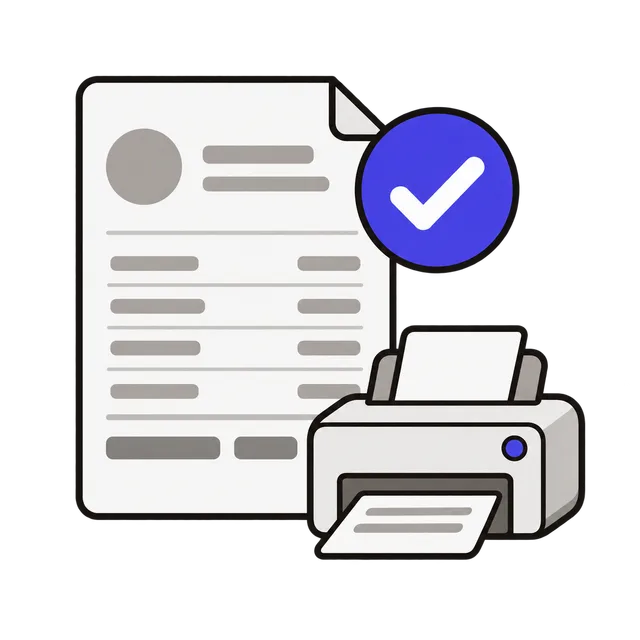
- Add payment terms or bank details in NOTES, check the PREVIEW, then click PRINT PDF and choose Save as PDF in the print dialog.
What to put on an invoice
A clear invoice gets paid faster. Freelancers, contractors and small businesses usually include these parts:
| Part | Why it matters |
|---|---|
| Your name or business name, address, email | Shows who is asking to be paid |
| Client name and address | Who owes the money, for their records |
| Invoice number | A unique number, such as 2026-014, to track payments |
| Invoice date and due date | When the bill was issued and when it must be paid |
| Line items: description, quantity, price | What was delivered and how the total was reached |
| Subtotal, tax and total | The amount due, with any sales tax shown separately |
| Payment terms and how to pay | Bank transfer, check, Zelle or card details, and any late fee |
Payment terms people use
Due on receipt means pay now. Net 15 or Net 30 means the full amount is due 15 or 30 days after the invoice date; Net 30 is common between businesses. Some freelancers ask for a deposit (for example 50% up front) and invoice the rest on delivery. Write the exact due date as well as the term, so there is no doubt.
Number invoices in order and never reuse a number. If you make a mistake after sending, issue a corrected invoice rather than editing the old one without notice.
Sales tax
In the US, sales tax depends on the state, the city and what you sell, and many services are not taxed at all. Enter the rate only if you are required to collect it, and check your state's tax agency if you are not sure. Other countries use VAT or GST with their own rules for what an invoice must show.
Frequently asked questions
How do I save the invoice as a PDF?
Click PRINT PDF. In the print window, choose Save as PDF (or Microsoft Print to PDF on Windows) as the printer, then save. You can email that file to your client.
Is my invoice saved for next time?
No. Nothing is stored, so reloading the page starts a blank invoice. Keep the PDF, and note your last invoice number so the next one continues the sequence.
Do I need a business to send an invoice?
No. Freelancers and individuals can invoice under their own name. Your client may ask for a W-9 form in the US so they can report payments to you.
Is my information uploaded?
No. The invoice is built in your browser, so client names, prices and bank details never leave your device.