How to use
- Click Start. The display shows hours, minutes, seconds and hundredths of a second.
- Click Lap to record a split without stopping the clock; the fastest and slowest laps are highlighted.
- Click Stop to pause and Start to carry on, or Reset to clear the time and the laps.
An online stopwatch that keeps time in the background
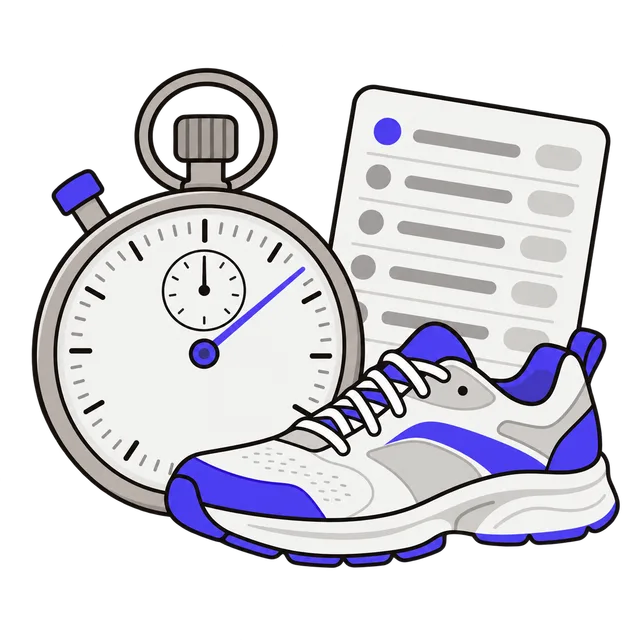
This stopwatch measures time from the moment you click Start using your browser's high-resolution clock, instead of counting ticks. That means it stays accurate if you switch to another tab, minimize the window or your computer gets busy: when you come back, the time is right.
Nothing needs to be installed and nothing is sent anywhere. It works on phones, tablets and computers.
Lap time and split time
A lap time is how long one lap took. A split (or total) time is the time from the start up to that lap. If you run laps of a track and press Lap at the end of each one, lap times show how fast each lap was and total times show your running time.
| Lap | Lap time | Total time |
|---|---|---|
| 1 | 1:52.30 | 1:52.30 |
| 2 | 1:49.85 | 3:42.15 |
| 3 | 1:55.10 | 5:37.25 |
Everyday uses
Time a walk or run and each lap of it, a plank or stretching hold, a presentation or speech rehearsal, cooking steps such as steeping tea or resting meat, how long a task takes at work, or turns in a board game.
For counting down from a set time instead, use the Countdown Timer; for work and rest intervals, use the Pomodoro Timer.
Frequently asked questions
How accurate is this stopwatch?
The clock reads your browser's performance timer, which is precise to well under a millisecond. The display shows hundredths of a second. The real limit is your own reaction time when clicking, typically around two tenths of a second.
Does it keep running if I close the tab?
No. Closing the tab or the browser ends the timing. Switching tabs, minimizing the window or locking a computer screen is fine.
How many laps can I record?
As many as you need. The list scrolls and shows the newest lap first.
Can it time more than an hour?
Yes. The display shows hours as well as minutes and seconds, so you can time a long drive, a study session or a slow cook. Keep the tab open; the screen can turn off on a computer, but on a phone some browsers pause pages that stay in the background for a long time.
Is it free?
Yes. There is no signup and nothing to install, and your times are not sent or saved anywhere.